Import the source file.
- 1st: Start with the source image, which you import into a web-based application or desktop software to create lithophanes.
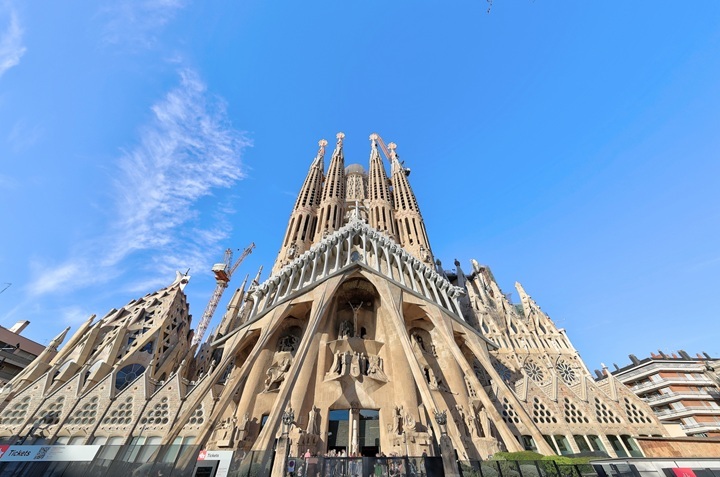
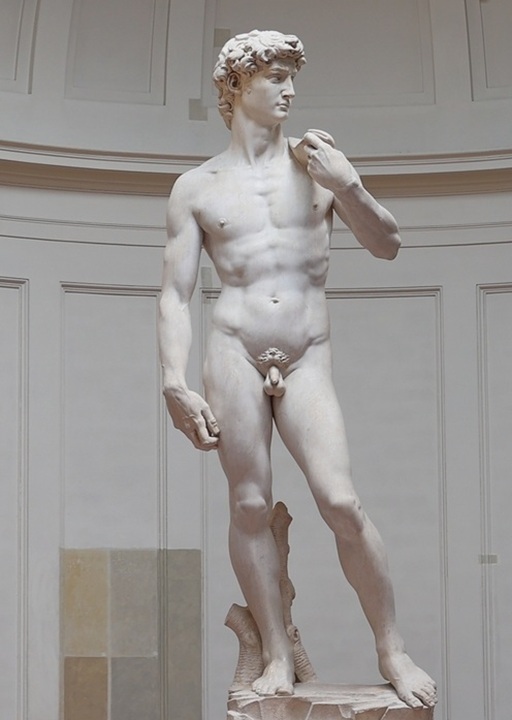
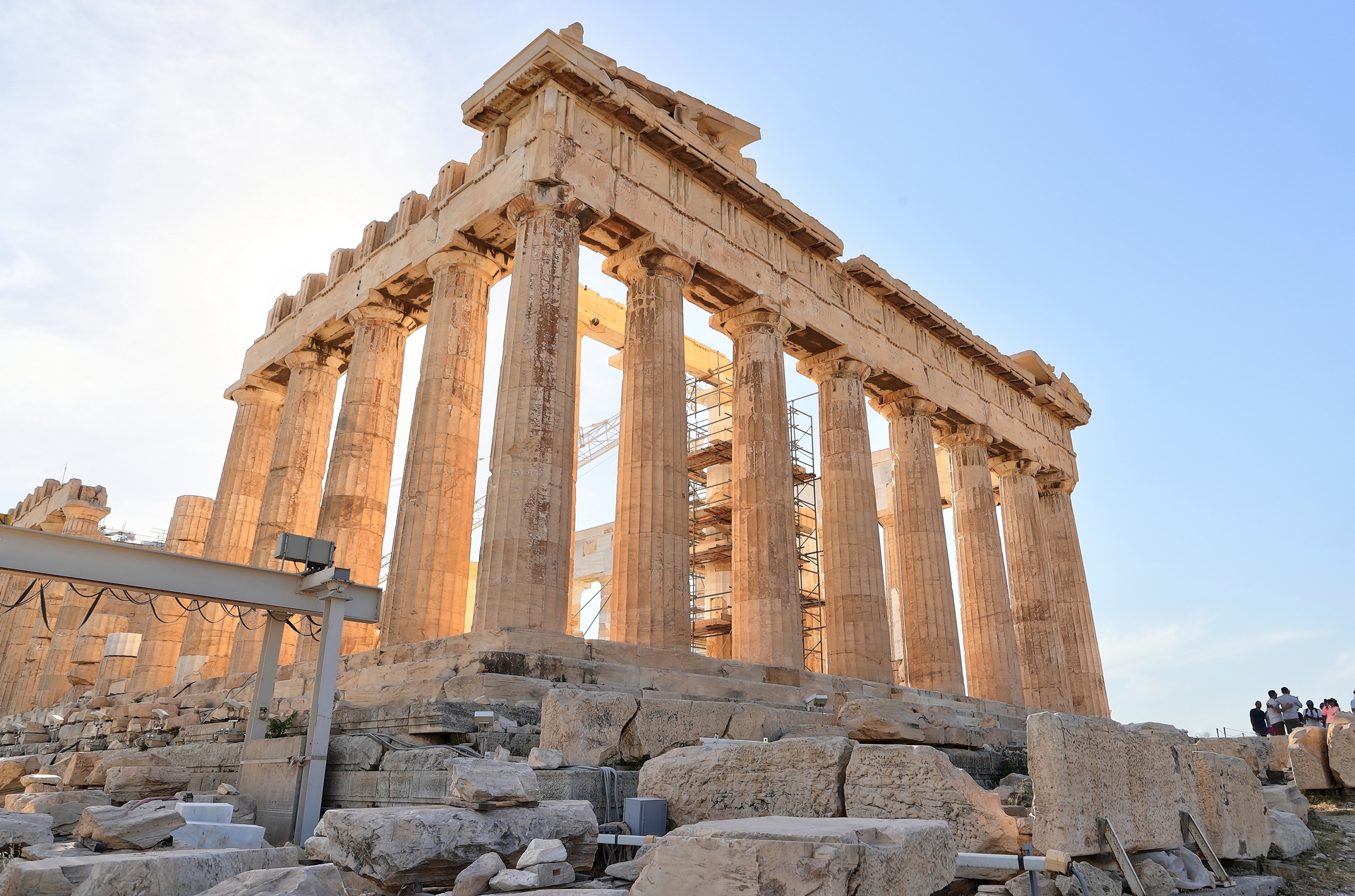
- 2nd: The software creates a file (STL or 3MF) that you load into the 3D printer slicer software for printing.
After printing, they will not reveal the final result until they are exposed to a backlight source.

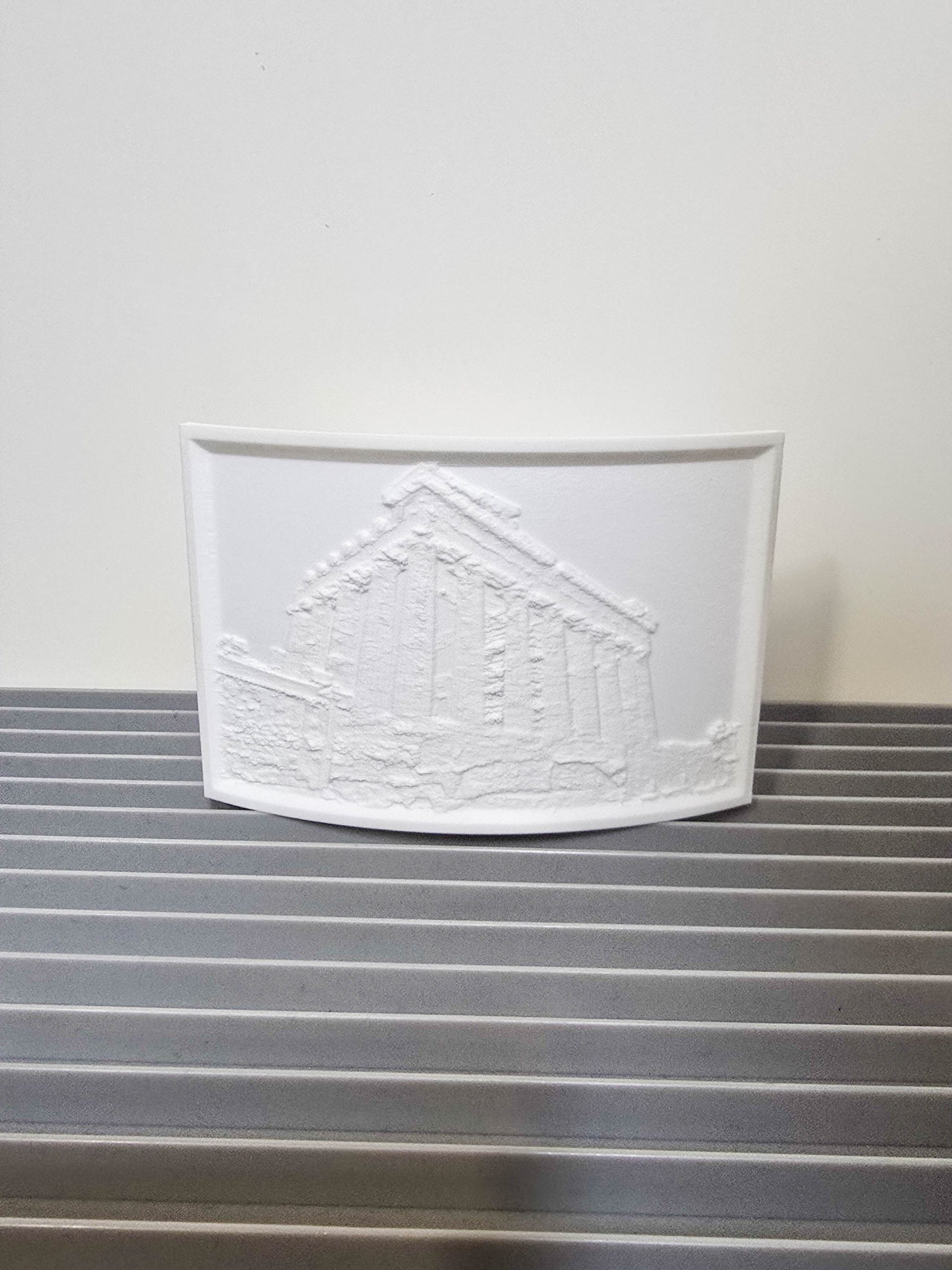
- 3rd: Place the ones without a light source against a window to see the result.

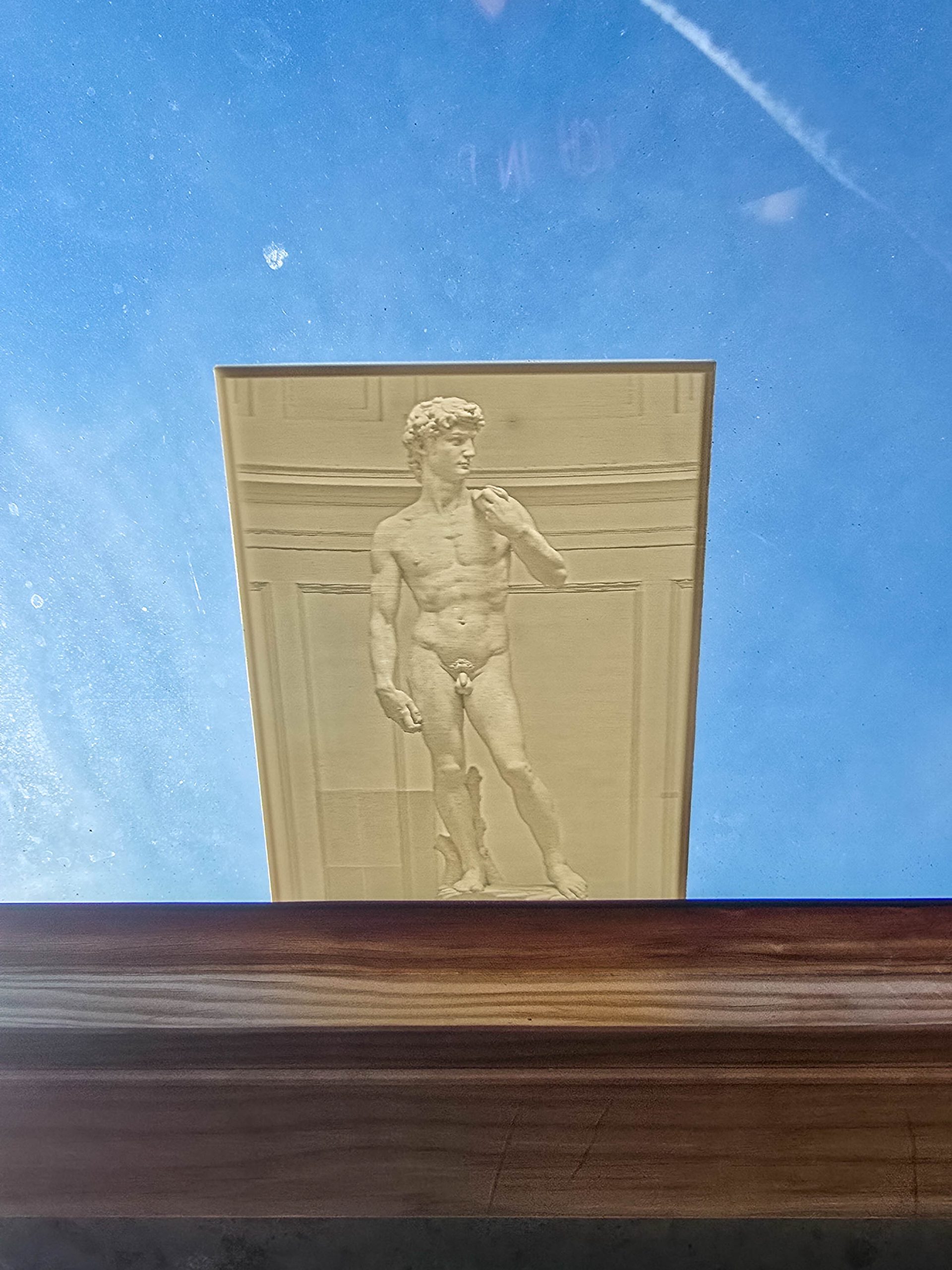
For the ones that are created to host a backlight source, place it and turn it on.
These monochrome or grayscale lithophanes can be produced in the following formats:
- Flat or Curved, 143 x 100 mm or 100 x 143 mm.
- Flat or Curved, 180 x 125 mm or 125 x 180 mm.
- Flat or Curved, 215 x 150 mm or 150 x 215 mm.
- Flat or Curved, 250 x 175 mm or 175 x 250 mm.
- Flat or Curved, 286 x 200 mm or 200 x 286mm.
- Flat or Curved, 143 x 100 mm or 100 x 143 mm with LED Puck.
- Flat or Curved, 180 x 125 mm or 125 x 180 mm with LED Puck.
- Flat or Curved, 215 x 150 mm or 150 x 215 mm with LED Puck.
- Flat or Curved, 250 x 175 mm or 175 x 250 mm with LED Puck.
- Flat or Curved, 286 x 200 mm or 200 x 286 mm with LED Puck.
Here are 2 videos of the creation of the monochrome lithophanes: